
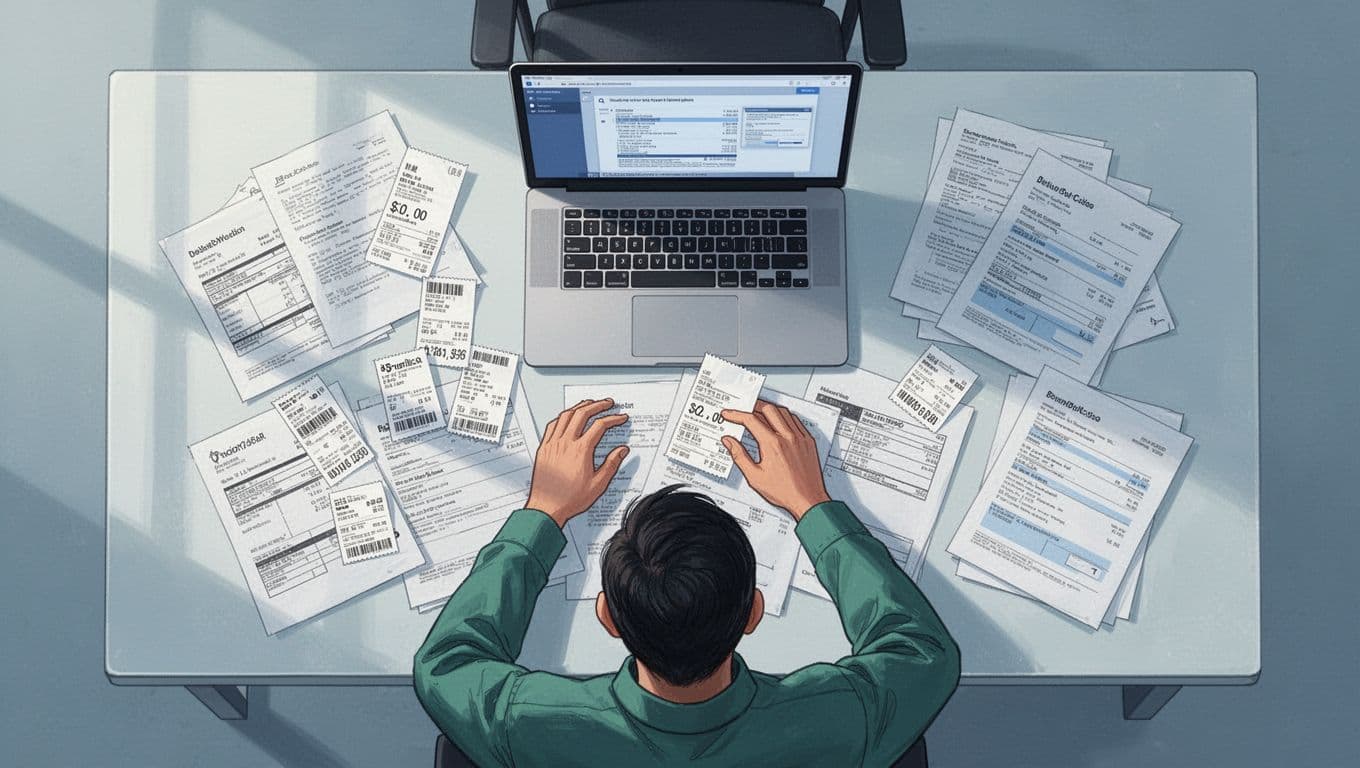
Picture this. Bills scatter across your kitchen table. Receipts hide in drawers. Tax time looms, and panic sets in. You know the feeling.
Organizing financial records does not have to overwhelm you. This guide shares a simple plan. Spend under an hour a week. Use 2026 trends like auto-apps and zero-based budgeting. Spot forgotten subscriptions. Build emergency funds. Gain IRS peace of mind.
You will gather docs, sort into categories, pick tools, set routines, and follow rules. Ready to ditch the chaos?
Gather Your Financial Records Without the Overwhelm
Start here to clear mental clutter. Collect key docs first. Focus on bank statements, tax forms, receipts, W-2s, 1099s, bills, investment records, debts, and savings info. Do not tackle everything at once. Use one folder or app to begin.
Create a personal balance sheet next. List assets like savings, home equity, stocks. Subtract liabilities such as loans and credit cards. This snapshot shows your net worth. For a free template, check this personal balance sheet generator. It simplifies tracking what you own versus owe.
Scan paper items with your phone. Apps turn photos into PDFs. The IRS accepts digital copies if clear. Keep income proofs for deductions and charity. This step frees your mind because you see progress fast.
Income and Tax Documents to Grab First
Grab pay stubs, W-2s, 1099s, and bank deposit records. Sort by year in folders. Snap phone photos for digital copies right away.
These prove your earnings. Bank apps often export statements. Download them monthly. As a result, you avoid lost proofs later.
Expenses, Debts, and Savings Proofs
Collect receipts, credit card statements, loan papers, insurance docs, and retirement accounts. Separate needs like home, food, health from wants such as hobbies or dining out.
Bank apps auto-track many items. Print or save emails for big buys. In addition, note debt balances. This builds a full picture without stress.
Sort Records into Three Simple Categories That Stick
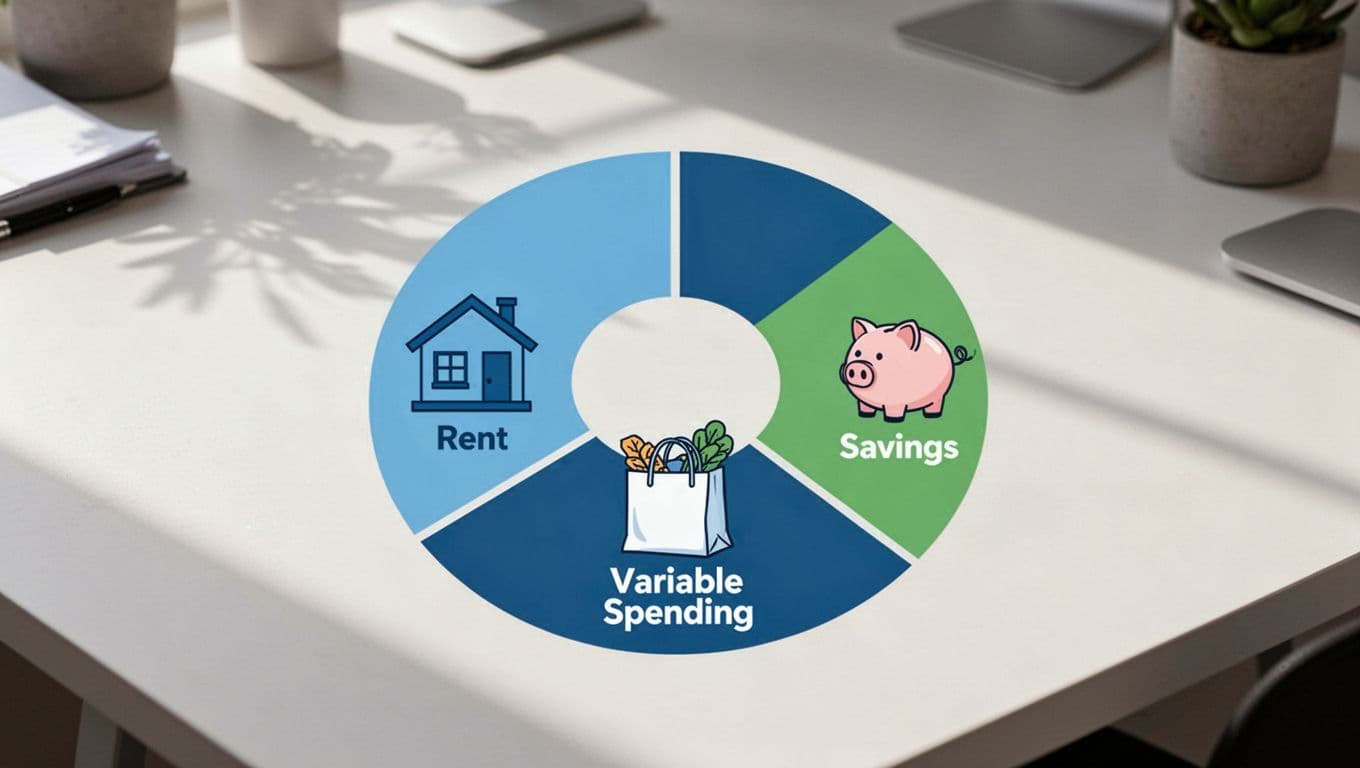
Now label and group your gathered docs. Use three buckets: fixed expenses, variable spending, and savings or debt. This setup makes reviews quick. It reveals patterns, like extra coffee runs.
Zero-based budgeting fits perfect here. Assign every dollar a job. No cash left idle. For example, income of $5,000 goes to rent ($1,500), groceries ($500), savings ($1,000), and so on. Apps like YNAB teach this method. See WalletHub’s picks for zero-based apps.
Needs come first: shelter, food, transport. Wants follow: movies, gifts. Track both to cut waste.
Fixed Expenses and Regular Bills
Think rent, utilities, insurance, childcare. These stay steady each month.
Set up auto-pay. Then forget them. Label folders “Fixed 2026” for easy access.
Variable Spending and Fun Money
Cover groceries, gas, eating out, entertainment. These shift week to week.
Track to spot leaks, like unused gym fees. Group receipts by month. Adjust as needed.
Savings Goals and Debt Trackers
Build an emergency cushion for 3-6 months of bills. Track retirement and loan payoffs.
Use sinking funds for taxes or car repairs. List goals on your balance sheet. Progress feels good.
Pick 2026 Tools That Automate the Work for You
Tech handles most work now. Bank apps auto-categorize spends. Budget tools link accounts for real-time views. Start with auto-transfers, even $20 a week to savings.
Free options abound. Physical backups pair well: labeled binders for taxes, notebooks for notes. Scan paper to cloud storage. IRS approves PDFs.
Digital speeds things up. Physical adds security. Pick what fits your style. Set once, then relax.

Top Digital Apps for Hands-Off Tracking
PocketGuard gives spending snapshots and spots bills. YNAB nails zero-based plans with bank syncs. Monarch Money tracks net worth and investments.
Rocket Money hunts forgotten subs. EveryDollar offers free zero-based basics. Most auto-categorize. Test trials first.
Smart Physical Setups as Reliable Backups
Use binders by category and year. Shred after IRS timelines. A notebook logs weekly spends before you go full digital.
Keep scans in apps too. This combo prevents loss.
Keep It Tidy with Quick Routines and IRS Smarts
Routines lock in habits. IRS wants records 3 years from filing, or longer for big issues like underreported income (up to 6-7 years). Go digital; they accept it. Organize by year and type.
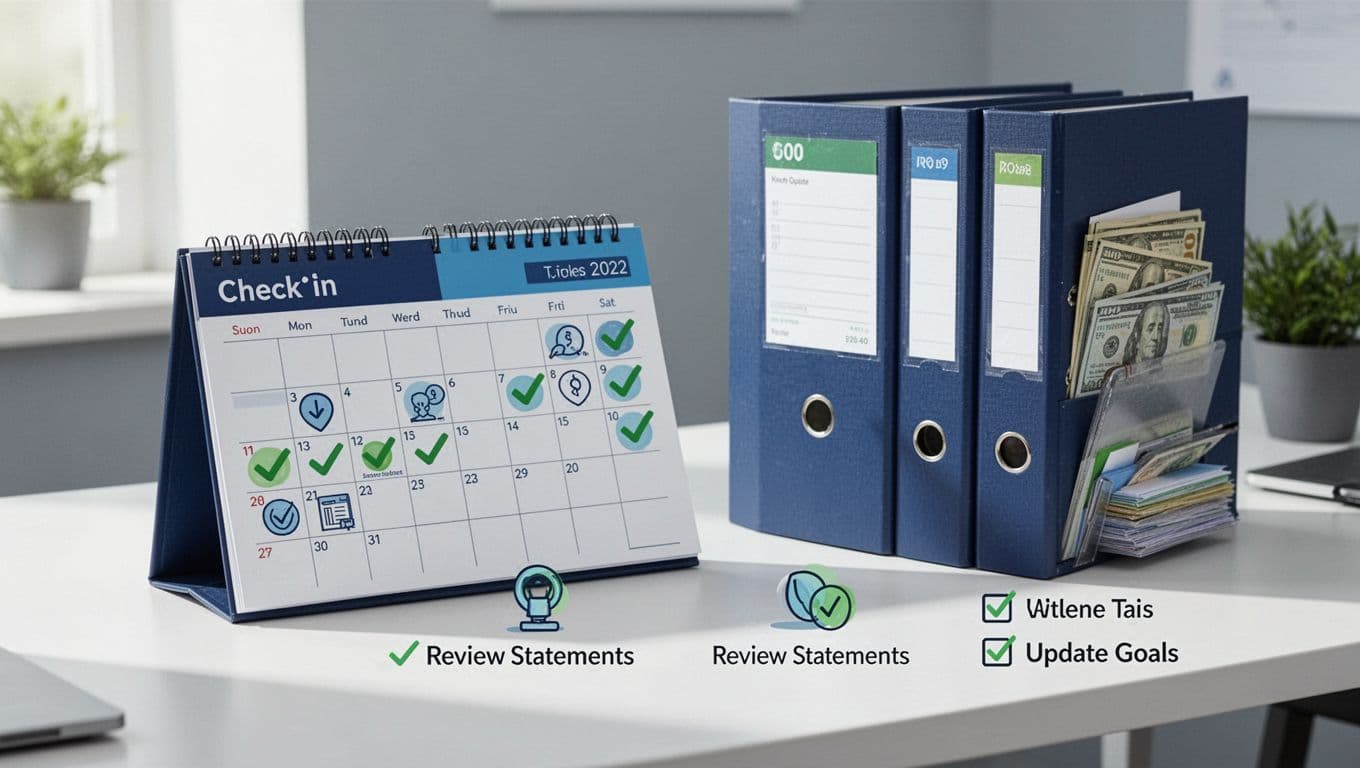
Follow these steps monthly:
- Review statements for errors.
- Update your balance sheet.
- Cut unused subs.
- Check goals like savings.
- Automate one more bill.
- Shred old unneeded papers safely.
This pays your future self. Habits form without force.
For details, see the IRS guide on record lengths.
IRS Basics to Stay Audit-Ready Effortlessly
Categorize income, deductions, charity. PDFs work fine. Shred after 7 years max.
Match docs to your return. Back up everything.
Monthly and Yearly Check-Ins That Take Minutes
Scan numbers quick. Automate transfers. Track 3-5 goals, like home repairs or retirement boosts.
Yearly, aim for debt drops and fund growth. Tweak as life changes.
Simple categories, auto-tools, and short routines bring stress-free finances. Grab your docs today or download YNAB. Picture calm tax season and extra cash for trips.
In 2026, auto-trends rise. You got this. What step starts now?