Picture this. You get a letter from the IRS. They want to audit your 2025 return. Panic sets in because your shoebox of receipts vanished years ago. Stress mounts. Penalties hit. This nightmare happens more than you think.
You need records to back up income, expenses, deductions, and credits. They prove your return is accurate. Without them, audits turn ugly fast. Good news? Simple habits give you peace of mind and save money.
This post breaks it down. You’ll learn key documents for employees, freelancers, and business owners. Plus, how long to keep them, digital storage tips, and 2026 updates like new digital asset forms. Follow IRS rules as of April 2026. Start now for smoother taxes ahead.
Income Records You Need to Prove Every Dollar Earned
Income records show what you earned. The IRS matches them to your return. Keep them clear and complete. This avoids questions during reviews.
Organize by year in folders. Label each one. Bank statements help fill gaps from forms.
What W-2 Employees and Retirees Should Save
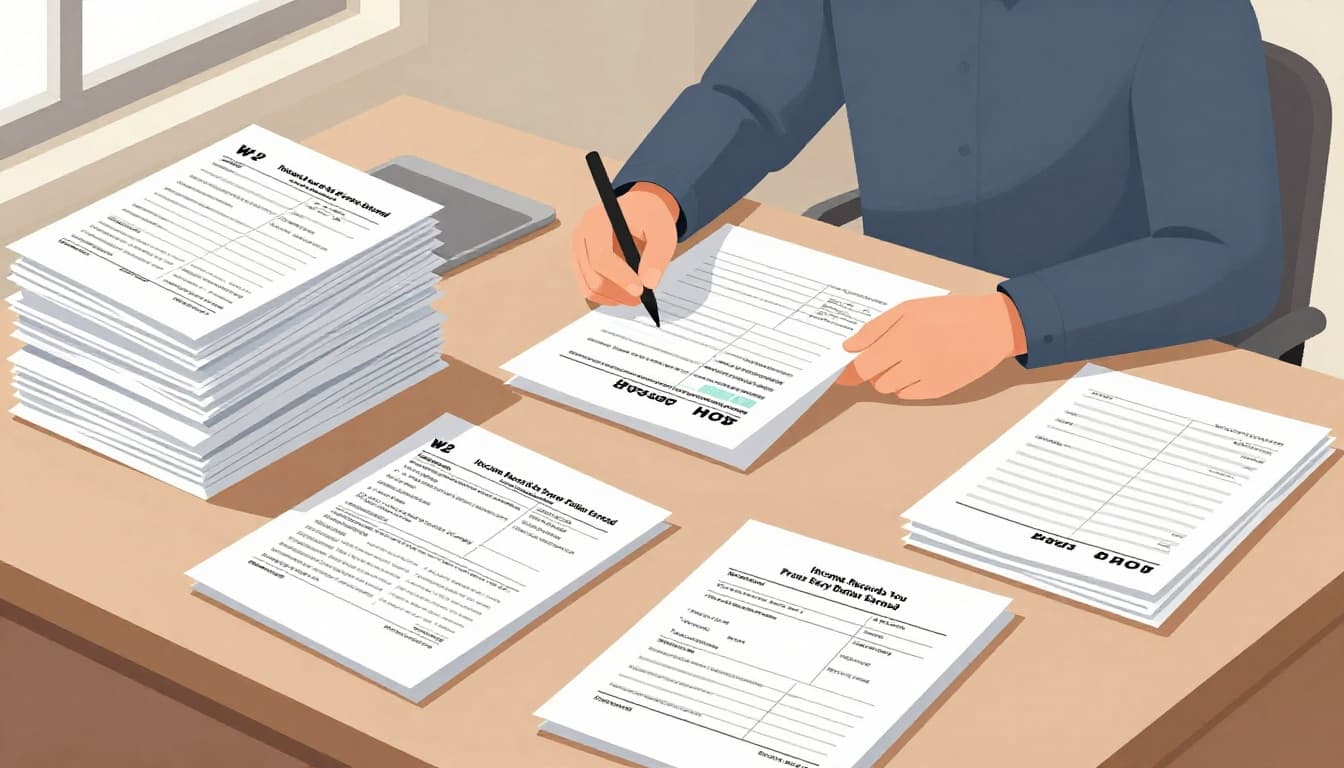
Employees get W-2 forms from bosses. They list wages and taxes withheld. Save every copy.
Interest from banks comes on 1099-INT. Dividends use 1099-DIV. Stock or crypto sales need 1099-B. Retirement payouts show on SSA-1099 or similar. New in 2026, brokers send 1099-DA for digital assets like crypto trades.
Track all buys and sells yourself. Cost basis matters for gains. Scans work if legible. For more details, check the IRS recordkeeping page.
Gig Workers and Freelancers: Your Payment Proof Checklist
Freelancers rely on 1099-NEC for services over certain amounts. Platforms send 1099-K for payments, but thresholds rose. After 2025, many hit $2,000 before reporting starts.
Save invoices you sent. Bank deposits prove cash flow. Gross receipts journals track everything. Canceled checks or apps like PayPal statements fill in blanks.
These prove your business income. Match them to Schedule C. Toss nothing until timelines pass.
Expense and Deduction Proofs That Lower Your Tax Bill
Expenses cut your taxable income. Deductions save real cash. But IRS demands proof. Receipts and logs make claims stick.
Common ones include home office costs, mileage, and health premiums. Businesses track assets too. Examples show how they add up.
Everyday Deductions: Home, Health, and Energy Saves
Homebuyers keep closing statements. Improvements like new roofs prove basis. Energy upgrades, such as solar panels or EVs, need receipts for credits.
Health forms like 1095-A from marketplaces back insurance deductions. Mileage logs note dates, miles, and purposes. One driver logged 10,000 business miles. That saved thousands at the standard rate.
Simple records turn costs into savings. Keep digital photos if paper fades.
Business Owners: Track Assets, Travel, and Employee Costs
Asset purchases need bills of sale. Depreciation starts there. Inventory lists track stock levels.
Travel logs follow rules in Publication 463. Note dates, places, and business reasons. Gifts cap at $25 per person. Car expenses use actual costs or mileage.
Employee costs include paystubs for overtime or tips under new OBBB rules. See Publication 15 for employer guides. These back your Schedule C or F.
How Long to Keep Your Tax Records Without Worry
Timelines match IRS audit windows. Most cases need three years. Others stretch longer. Know your situation to avoid fines.
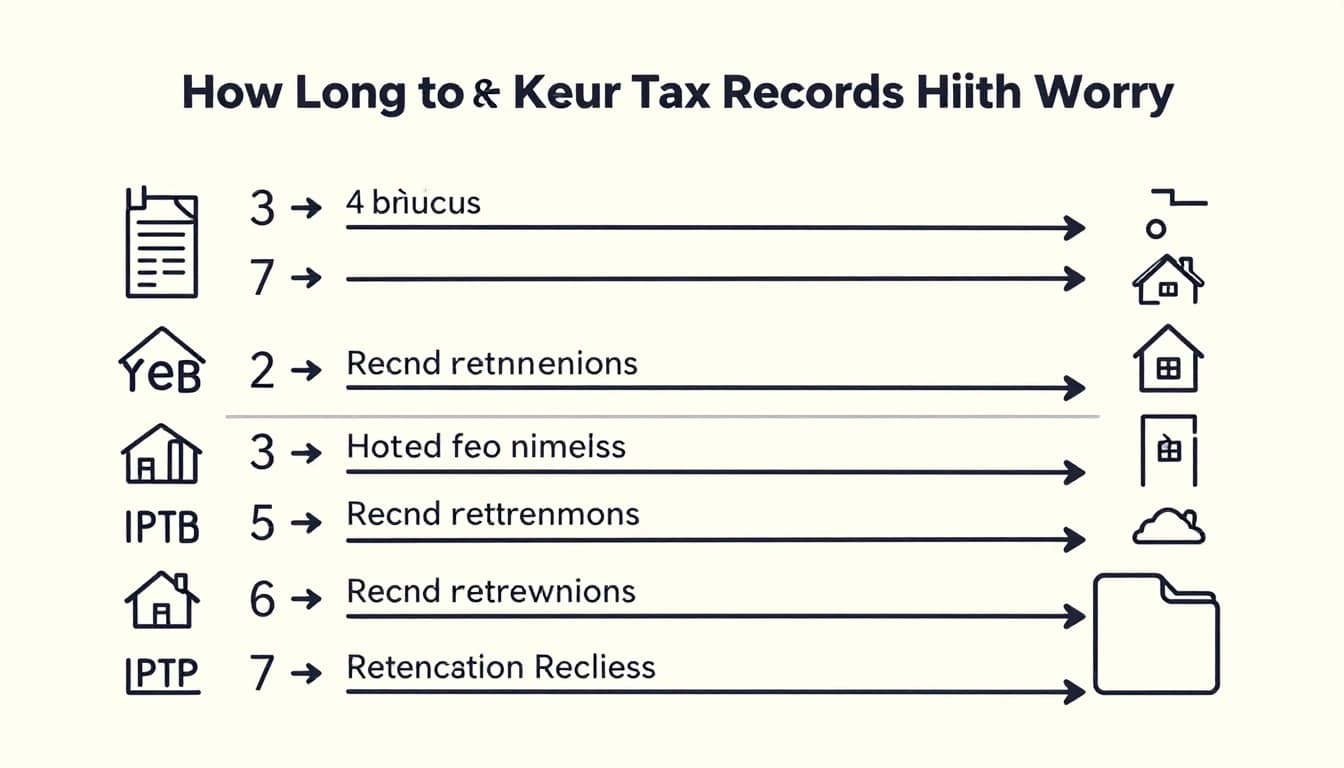
The statute of limitations starts when you file. Here’s a quick guide:
| Situation | Retention Period |
|---|---|
| Standard income/deductions | 3 years after filing |
| Bad debts or credits | 7 years |
| >25% income underreported | 6 years |
| Employment taxes | 4 years after Q4 return |
| Property or assets | Until sale + 3 years |
| No return filed or fraud | Indefinitely |
This table covers main cases. For example, keep home records until you sell plus three years. Check the IRS page on how long to keep records for full details.
Organize by category. Shred safely after time passes.
Store Smart: Digital Rules and 2026 Tax Updates
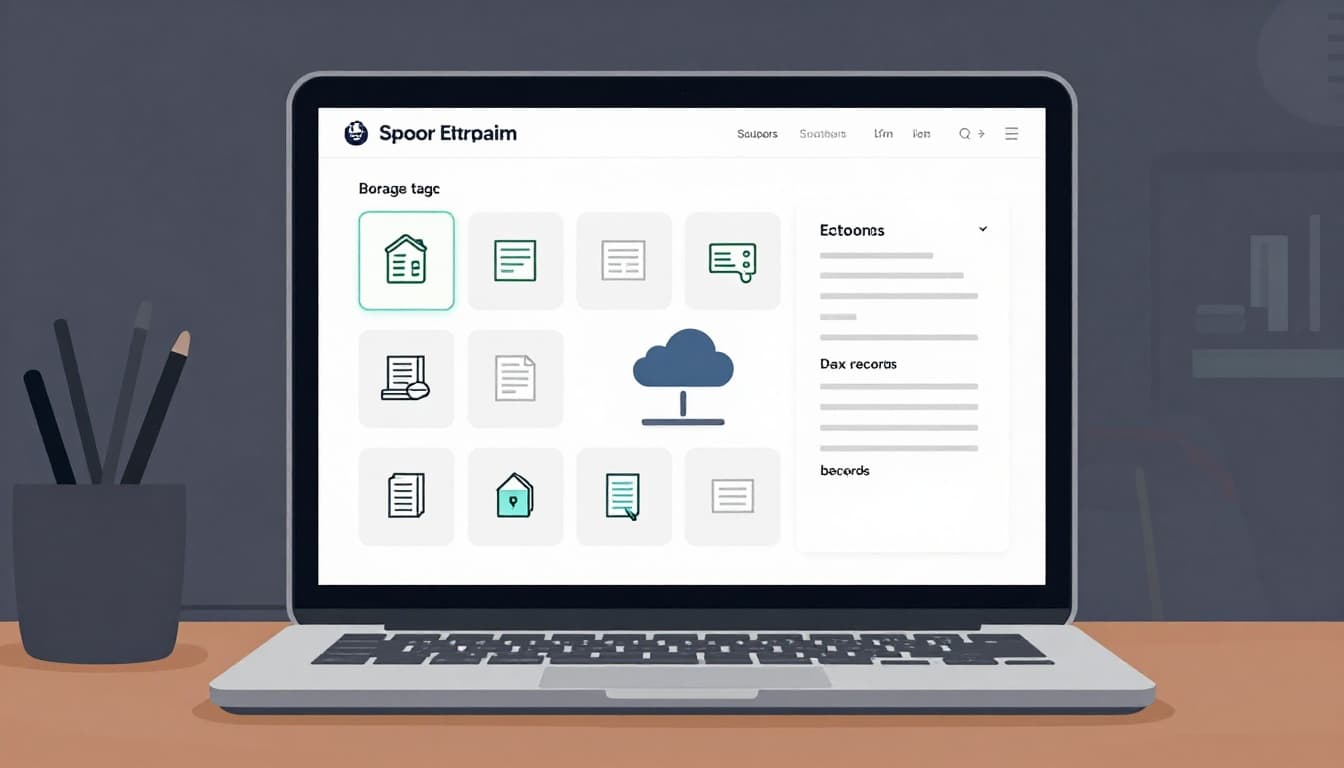
Go digital. IRS accepts scans or photos if clear and complete. No special software needed. Secure folders work fine.
Back up to clouds with passwords. Organize like paper files. Destroy originals after verifying copies.
2026 brings changes. 1099-DA reports crypto gross proceeds now. Cost basis follows soon. Platforms report more third-party payments. OBBB adds overtime and tip proofs via paystubs.
ITINs need renewals. Check IRS.gov often. Scanning apps speed setup.
Grab income forms, expense receipts, and logs today. Match them to timelines. Switch to digital for ease.
That audit letter? It won’t rattle you now. Start your folder this week. Share your organization tips in comments. Subscribe for more 2026 updates. Visit IRS.gov to confirm your setup.
(Word count: 982)